Local-Childcare logoLocal-Childcare

Childminder product tour

See how your childcare journey fits together

Take a guided tour from your first public profile to enquiries, family onboarding, paperwork and everyday care updates. Explore at your own pace—no account required.

8 short chapters About 10 minutes No private data
A playful childminder discovery scene with search, messages and a calendar

Start here

Get discovered

Then grow

Welcome families

How it works

Explore the complete childminder journey

Choose any chapter. Plan labels show which level provides the highlighted tools; shared parent access does not require the parent to buy a subscription.

Free

Chapter 1 of 8

Create or claim your public profile

Start with an existing public listing or create a new profile, then add the information families need to make an informed first choice.

What you’ll do

  1. 1Find and claim an imported listing, or create a new one
  2. 2Add your services, fees, availability and public profile details
  3. 3Publish profile photos within your plan allowance
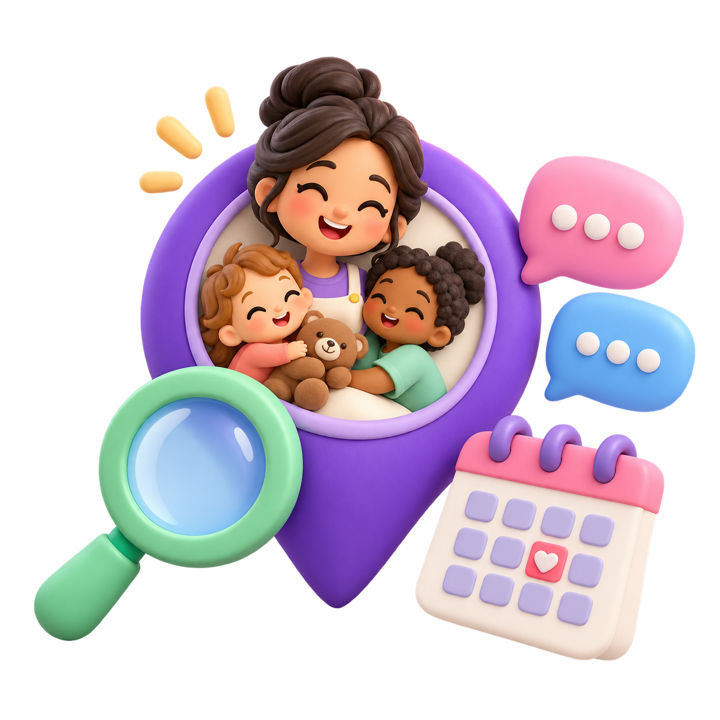
Playful illustration of a childminder and children inside a location pin with search, messages and a calendarChapter story

Your marketplace journey

1Claim or create
2Complete profile
3Appear in search

What the parent sees

Parents can search by area, review your public profile and save promising childcare options before they enquire.

1 / 8

Choose your next step

Start with what your setting needs today

Start free

Build your public presence

Create or claim your profile, show availability and begin receiving parent enquiries.

Choose Enhanced

Reach and connect with more families

Add featured visibility, more enquiries, direct messaging, visits and profile tools.

Choose Business Hub

Run the complete care journey

Bring onboarding, deposits, paperwork, care updates and compliance into one workspace.

Before you begin

Clear answers, no hard sell

The tour is designed to help you decide which parts of Local-Childcare suit your setting before you create or upgrade an account.

Do I need an account to take the tour?

No. This public tour explains the workflow without signing you in or accessing any account, family or child records.

Does the tour change anything in my account?

No. The controls on this page only move between tutorial chapters. They do not create records, send messages or change your subscription.

Do parents need a paid plan?

No. Parents do not pay to browse, enquire or access family functionality an authorised connected childminder shares with them.

Are booking deposits recurring payments?

No. The current Business Hub payment journey is for a one-off booking deposit. Recurring childcare payments are not presented as an available feature.

Will passkeys and device notifications work everywhere?

They depend on browser and device support. Email and password sign-in remains available as a recovery method.

Ready when you are

Put your setting on the map

Claim an existing profile or create a new listing for free. You can compare paid tools before deciding whether to upgrade.